

Technology continues to reshape how we work, communicate, shop, and manage our daily lives. From online banking and cloud storage to remote work and smart home devices, nearly every aspect of modern living relies on the internet. While this connectivity offers convenience and efficiency, it also creates opportunities for cybercriminals to exploit security weaknesses.
Cybersecurity is no longer a concern limited to large corporations or government organizations. Every internet user is a potential target for cyberattacks. Whether you are checking email, making online purchases, or managing sensitive business information, your personal data can become vulnerable if proper security measures are not in place.
The cybersecurity tips in this guide are designed to help individuals and businesses reduce their exposure to online threats in 2026. By following these best practices, you can strengthen your digital security, protect your privacy, and reduce the risk of becoming a victim of cybercrime.
Table of Contents
- Why Cybersecurity Matters in 2026
- The Biggest Cyber Threats Today
- Create Strong and Unique Passwords
- Enable Multi-Factor Authentication
- Keep Software Updated
- Recognize AI-Powered Phishing Attacks
- Secure Your Home Network
- Protect Your Mobile Devices
- Safe Online Shopping
- Data Backup Strategies
- VPN and Public Wi-Fi Security
- Cloud Security Best Practices
- Social Media Privacy
- Security for Remote Workers
- Cybersecurity for Small Businesses
- Future Cybersecurity Trends
- Frequently Asked Questions
- Final Thoughts
Why Cybersecurity Matters in 2026
The digital landscape is evolving rapidly, and so are cyber threats. Attackers now use artificial intelligence, automation, and sophisticated social engineering techniques to target both individuals and organizations. Cybercrime has become a global issue, affecting millions of people each year through identity theft, ransomware, financial fraud, and data breaches.
Several factors make cybersecurity more important than ever:
- Increased reliance on cloud services
- Growth of remote and hybrid work
- Expansion of Internet of Things (IoT) devices
- Rise of AI-generated phishing emails and scams
- Greater dependence on online banking and digital payments
A single compromised account can expose personal information, financial records, or confidential business data. Taking proactive steps to improve your cybersecurity can significantly reduce these risks.
Common Cyber Threats You Should Know
Understanding the threats is the first step toward protecting yourself. Here are the most common cyber risks in 2026.
Phishing Attacks
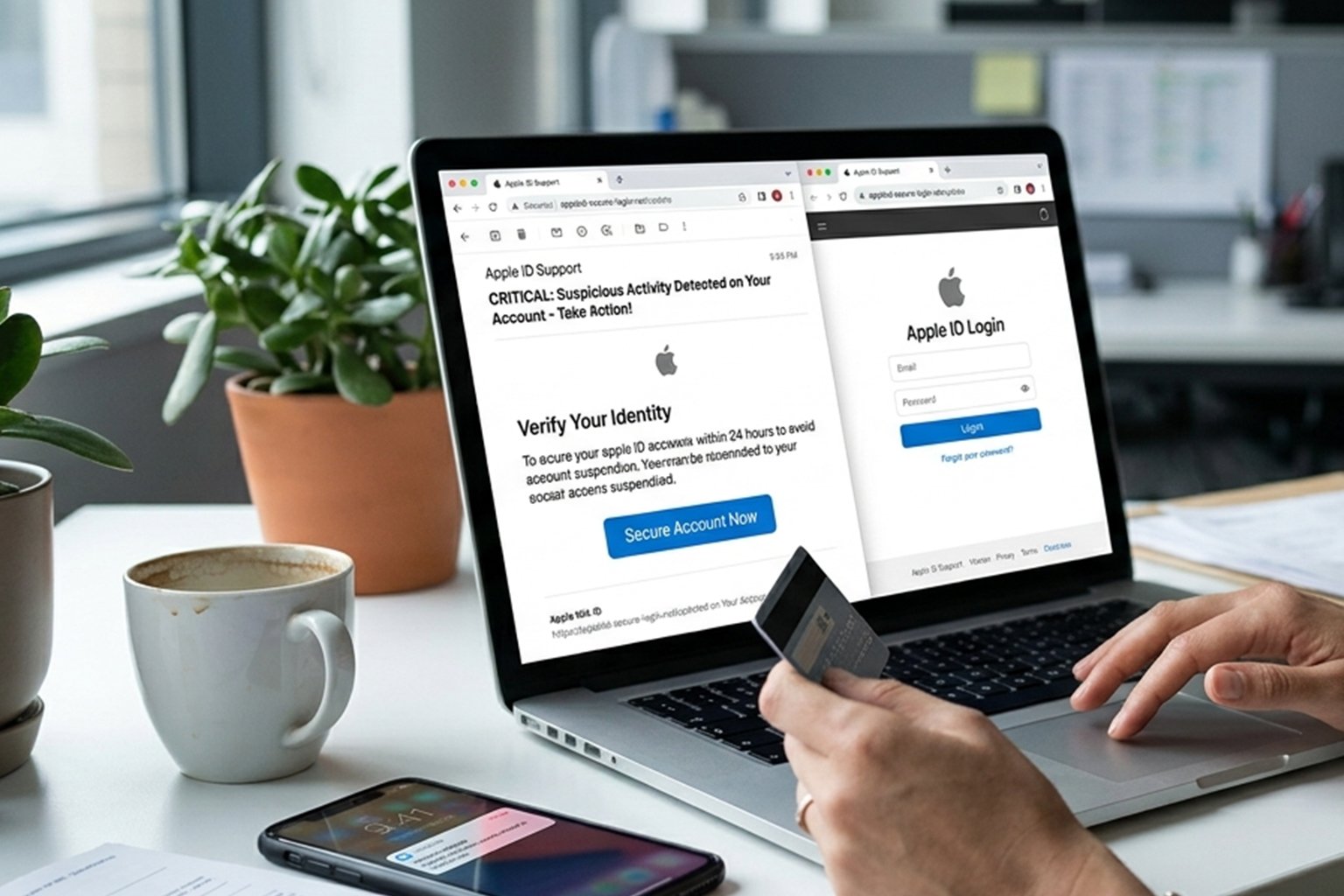
Phishing remains one of the most effective tactics used by cybercriminals. Attackers send emails, text messages, or social media messages that appear to come from trusted organizations. Their goal is to trick users into revealing passwords, financial details, or other sensitive information.
Common phishing signs include:
- Urgent requests for action
- Suspicious links
- Unexpected attachments
- Requests for login credentials
- Poor grammar or unusual sender addresses
Always verify the sender before clicking links or downloading attachments.
Ransomware
Ransomware encrypts files and demands payment to restore access. These attacks affect individuals, hospitals, schools, and businesses worldwide.
To reduce your risk:
- Keep regular backups.
- Update software promptly.
- Avoid downloading files from untrusted sources.
- Use reputable antivirus software.
Identity Theft
Identity theft occurs when criminals obtain personal information such as:
- National identification numbers
- Passport details
- Credit card information
- Banking credentials
- Email account access
Victims may experience financial losses, damaged credit histories, and unauthorized transactions.
Malware
Malware is malicious software designed to damage devices or steal information. Common types include:
- Viruses
- Worms
- Trojans
- Spyware
- Adware
- Keyloggers
Downloading software only from trusted sources and using updated security software can greatly reduce the risk of infection.
AI-Powered Cyberattacks
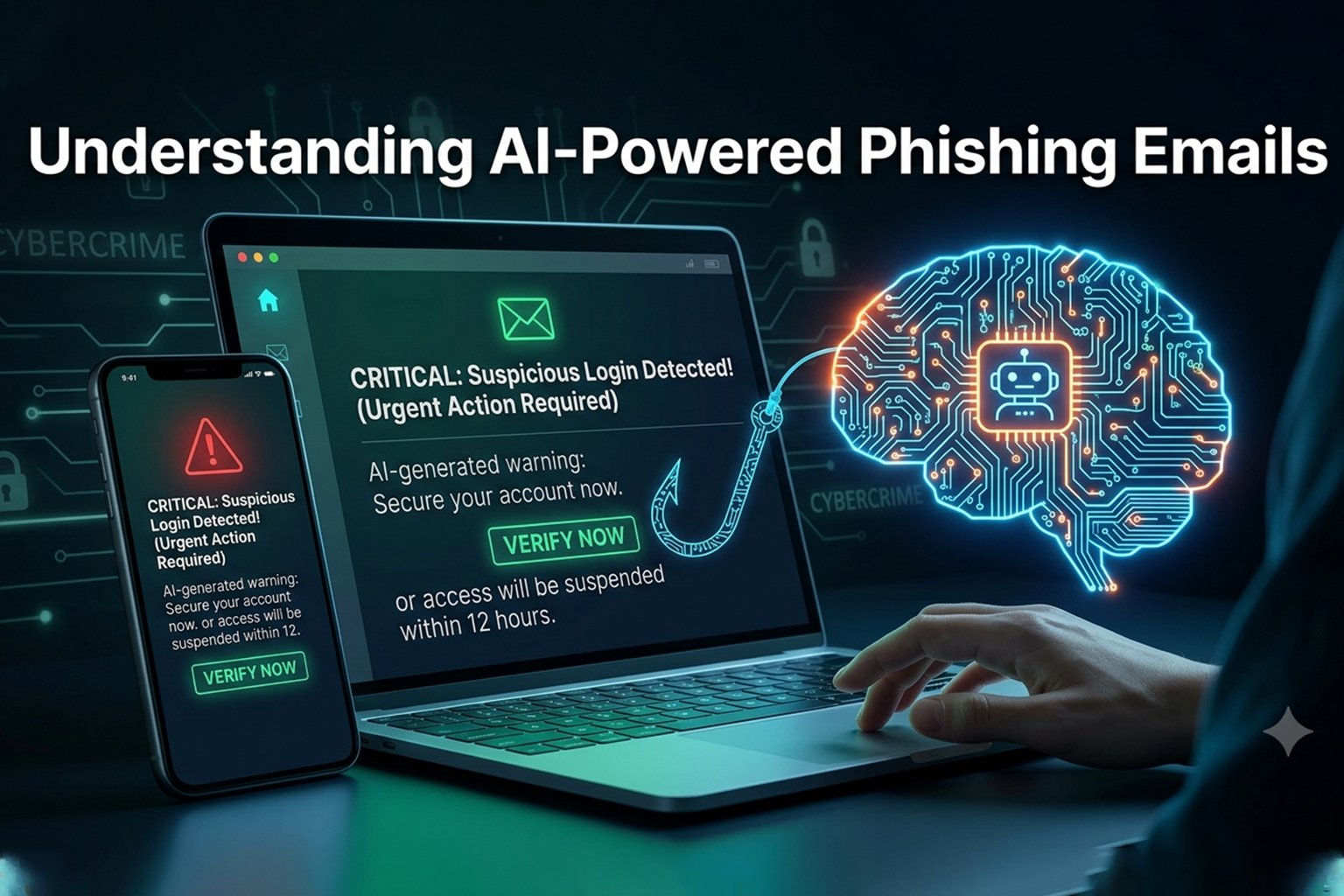
Artificial intelligence has transformed cybersecurity on both sides. While security professionals use AI to detect threats, cybercriminals also leverage AI to create convincing phishing emails, fake customer support chats, deepfake voice calls, and automated attack campaigns.
Because these attacks are becoming more realistic, users should verify requests through official channels rather than relying solely on appearances.
1. Use Strong and Unique Passwords
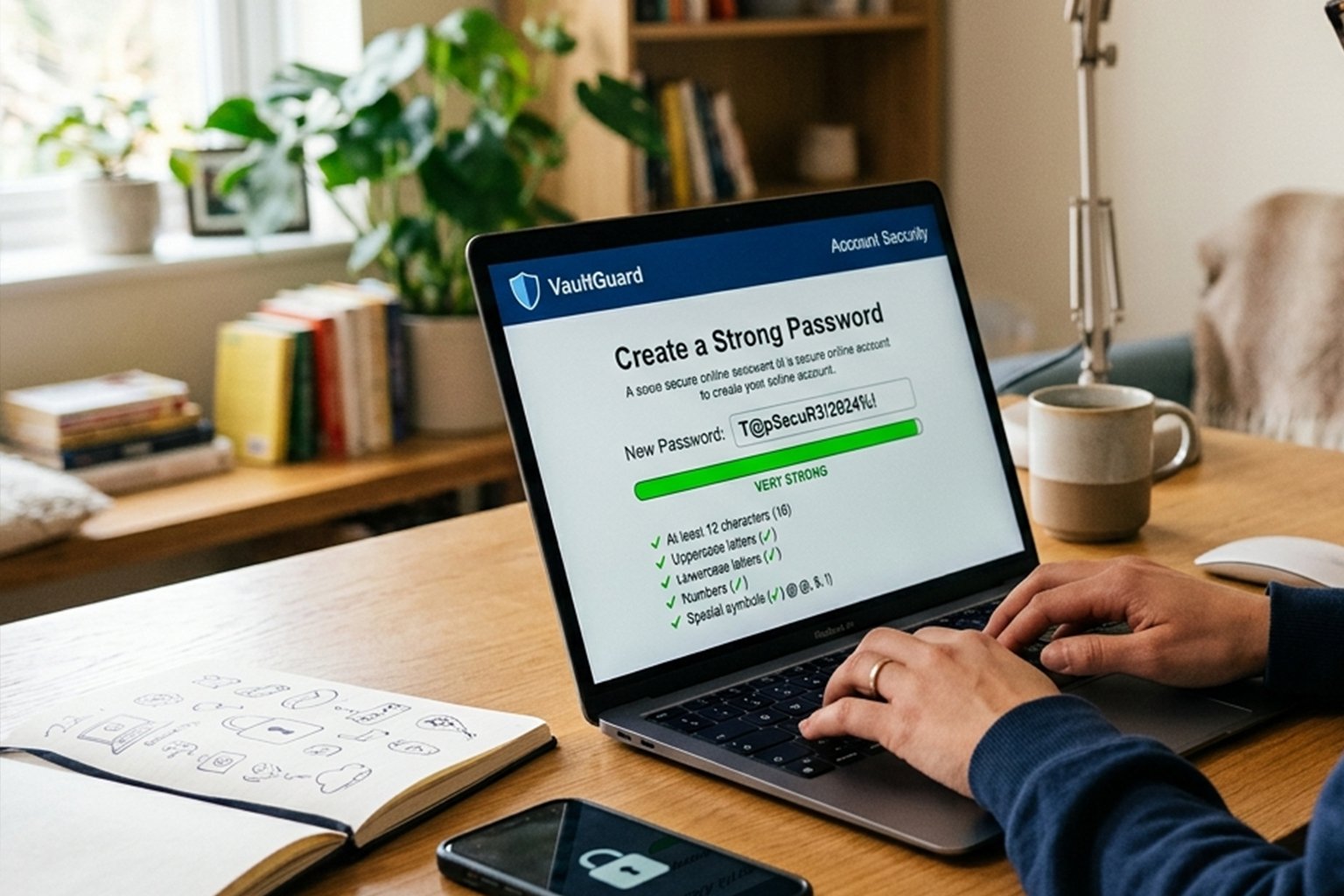
One of the simplest yet most effective cybersecurity tips is creating strong, unique passwords for every account.
A weak password can often be guessed or cracked in seconds using automated tools. Reusing the same password across multiple websites also increases the risk that a single data breach will compromise several accounts.
Characteristics of a Strong Password
A secure password should include:
- At least 16 characters
- Uppercase letters
- Lowercase letters
- Numbers
- Special characters
Example:
T!ger$River#2026BlueMoon
Avoid using:
- Birthdates
- Phone numbers
- Pet names
- Common words
- Sequential numbers like “123456”
Instead of trying to remember dozens of complex passwords, consider using a trusted password manager to generate and store unique credentials securely.
Best Practices for Password Security
- Never reuse passwords across different accounts.
- Change passwords immediately if a service reports a data breach.
- Use passphrases that are long, memorable, and difficult to guess.
- Enable password breach alerts where available.
- Review your saved passwords periodically and remove outdated accounts.
A strong password is your first line of defense against unauthorized access.
2. Enable Multi-Factor Authentication (MFA)
Even the strongest password can be compromised through phishing, malware, or data breaches. Multi-Factor Authentication (MFA) adds an additional layer of security by requiring a second form of verification before granting access.
Common MFA methods include:
- Authentication apps
- Hardware security keys
- Fingerprint recognition
- Facial recognition
- One-time verification codes
Authentication apps and hardware security keys are generally more secure than SMS-based verification because they are less vulnerable to interception.
Enable MFA on:
- Email accounts
- Banking platforms
- Social media profiles
- Cloud storage services
- Work-related applications
With MFA enabled, a stolen password alone is usually not enough for an attacker to access your account.
3. Keep Your Software and Devices Updated
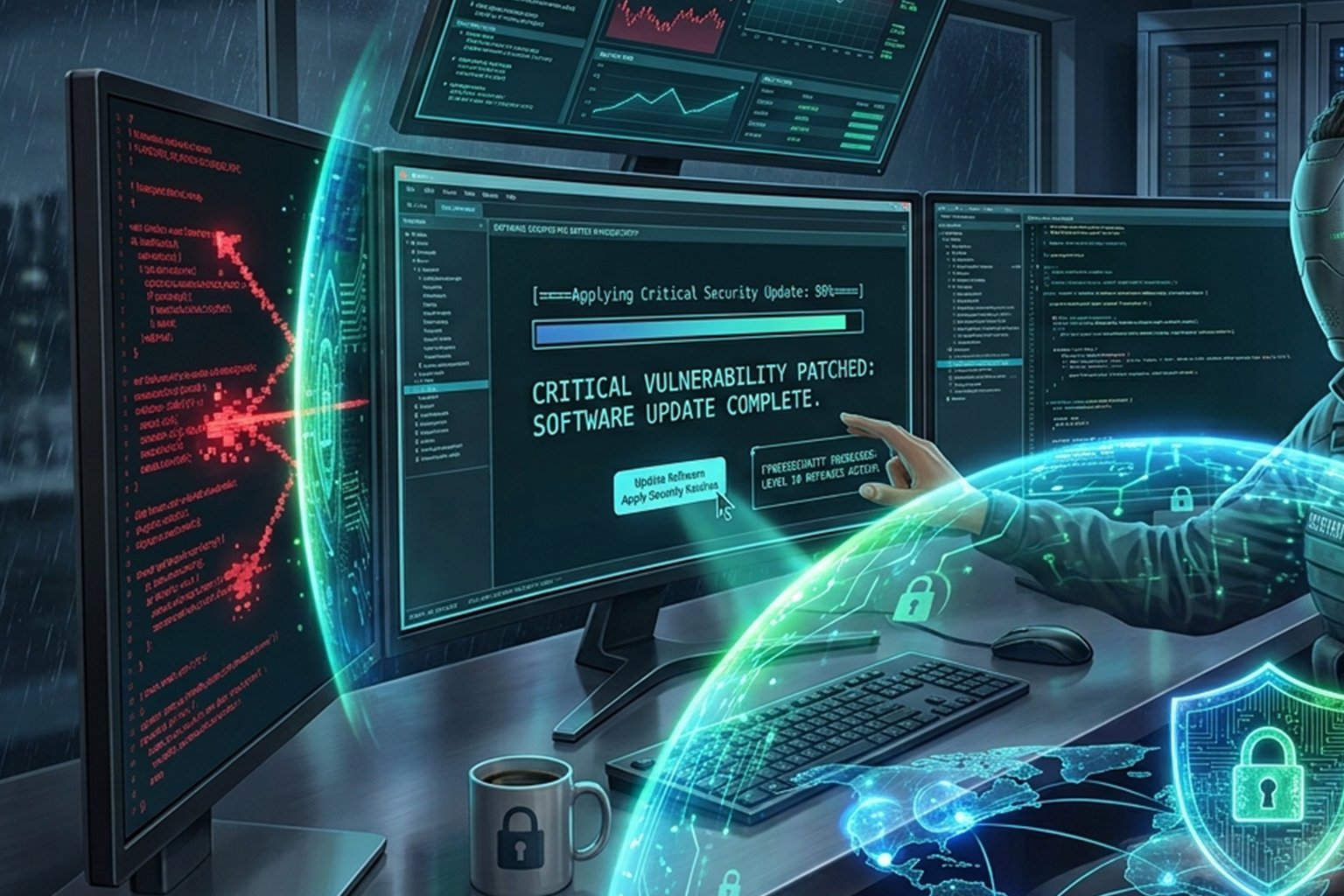
One of the easiest yet most effective cybersecurity tips is to keep all your software up to date. Software developers regularly release updates that fix security vulnerabilities, improve performance, and add new features. Cybercriminals often target outdated systems because they contain known weaknesses.
Whether you’re using a Windows PC, Mac, Android phone, iPhone, or smart home device, enabling automatic updates can significantly improve your security.
What Should You Update?
Keep the following updated at all times:
- Operating system (Windows, macOS, Android, iOS)
- Web browsers (Chrome, Edge, Firefox, Safari)
- Antivirus software
- Office and productivity applications
- Router firmware
- Smart TVs and IoT devices
- Plugins and themes (for WordPress websites)
Why Updates Matter
Delaying updates can leave your devices exposed to malware, ransomware, and other cyber threats. Many major cyberattacks have exploited vulnerabilities that already had security patches available.
Pro Tip: Enable automatic updates whenever possible to ensure your devices stay protected without requiring manual checks.
4. Recognize AI-Powered Phishing Scams
Phishing remains one of the most common cyber threats, but in 2026, attackers are using artificial intelligence to create more convincing scams than ever before.
These scams may appear as:
- Fake bank notifications
- Delivery service updates
- Password reset emails
- Job offers
- Customer support messages
- Investment opportunities
Some AI-generated phishing emails are nearly indistinguishable from legitimate communications.
How to Spot a Phishing Attempt
Watch for these warning signs:
- Urgent requests demanding immediate action
- Unexpected attachments
- Links that don’t match the official website
- Generic greetings like “Dear Customer”
- Requests for passwords or verification codes
- Poorly formatted email addresses
Before clicking any link, hover over it to check the destination URL. If you’re unsure, visit the organization’s website directly instead of using the provided link.
5. Secure Your Home Wi-Fi Network
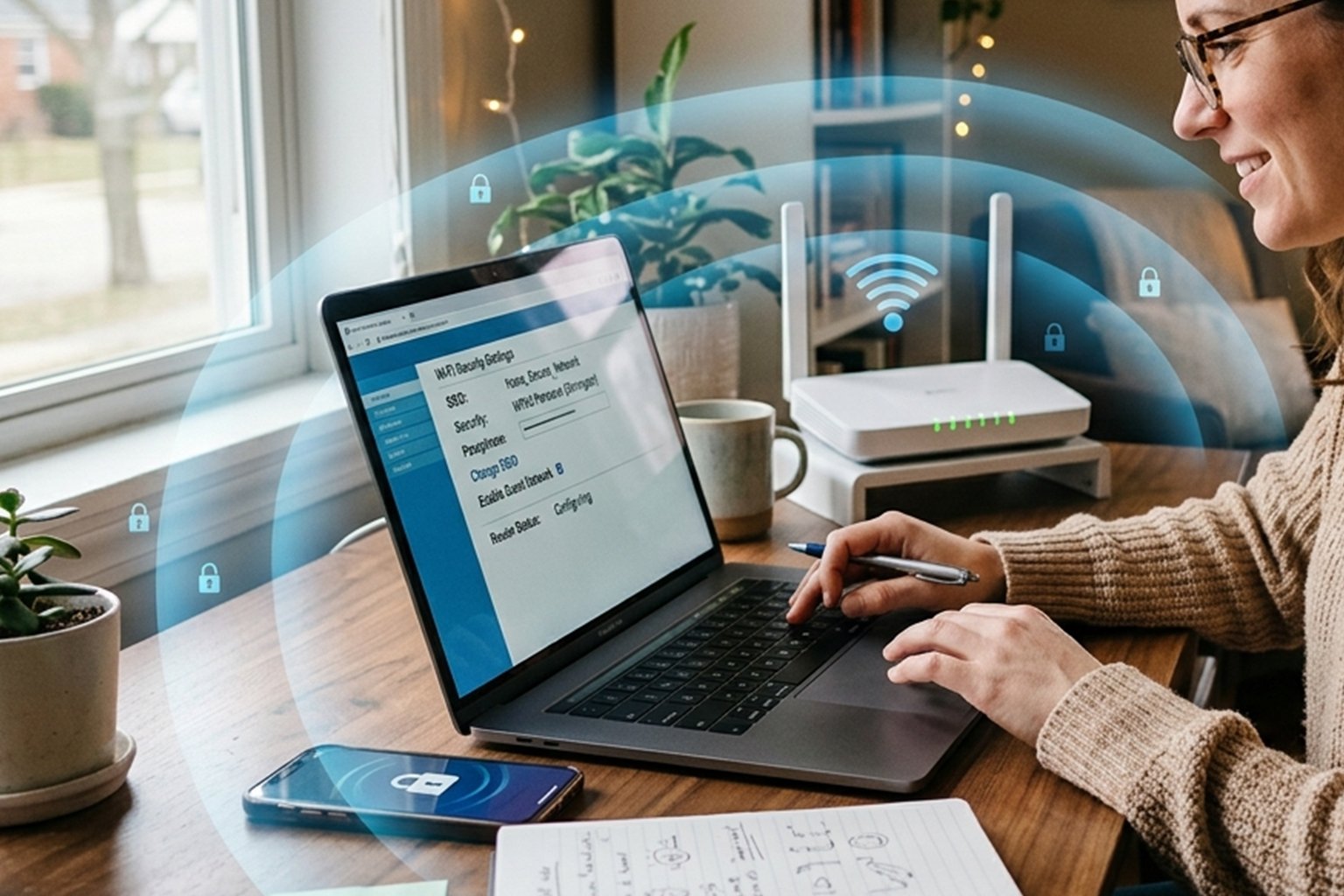
Your home Wi-Fi network connects all your internet-enabled devices. If it’s not properly secured, attackers may gain access to your personal information or connected devices.
Best Practices for Wi-Fi Security
- Change the default router username and password.
- Use WPA3 encryption if your router supports it.
- Disable WPS (Wi-Fi Protected Setup).
- Update your router’s firmware regularly.
- Create a separate guest network for visitors.
- Use a strong Wi-Fi password with at least 16 characters.
Router Placement Matters
Position your router near the center of your home to reduce signal leakage outside your property, making it harder for unauthorized users to access your network.
6. Protect Your Mobile Devices
Smartphones store a wealth of personal information, including emails, photos, banking apps, and saved passwords. Protecting your mobile device is just as important as securing your computer.
Mobile Security Tips
- Use biometric authentication (fingerprint or face recognition).
- Set a strong PIN or password.
- Download apps only from official app stores.
- Review app permissions regularly.
- Enable device encryption.
- Turn on “Find My Device” or “Find My iPhone.”
- Avoid rooting or jailbreaking your device.
Be Careful with Public Charging Stations
Public USB charging stations can pose a risk through a technique known as juice jacking, where compromised charging ports may attempt to access data on your device. Use your own charger with a wall outlet or a USB data blocker if possible.
7. Browse the Internet Safely
Every website you visit can affect your online security. Practicing safe browsing habits helps reduce the risk of malware infections and phishing attacks.
Safe Browsing Tips
- Look for HTTPS in the website address.
- Avoid downloading files from unknown websites.
- Don’t ignore browser security warnings.
- Be cautious with browser extensions.
- Verify website domains before entering sensitive information.
If a website appears suspicious, close it immediately and avoid interacting with its content.
8. Use a VPN on Public Wi-Fi
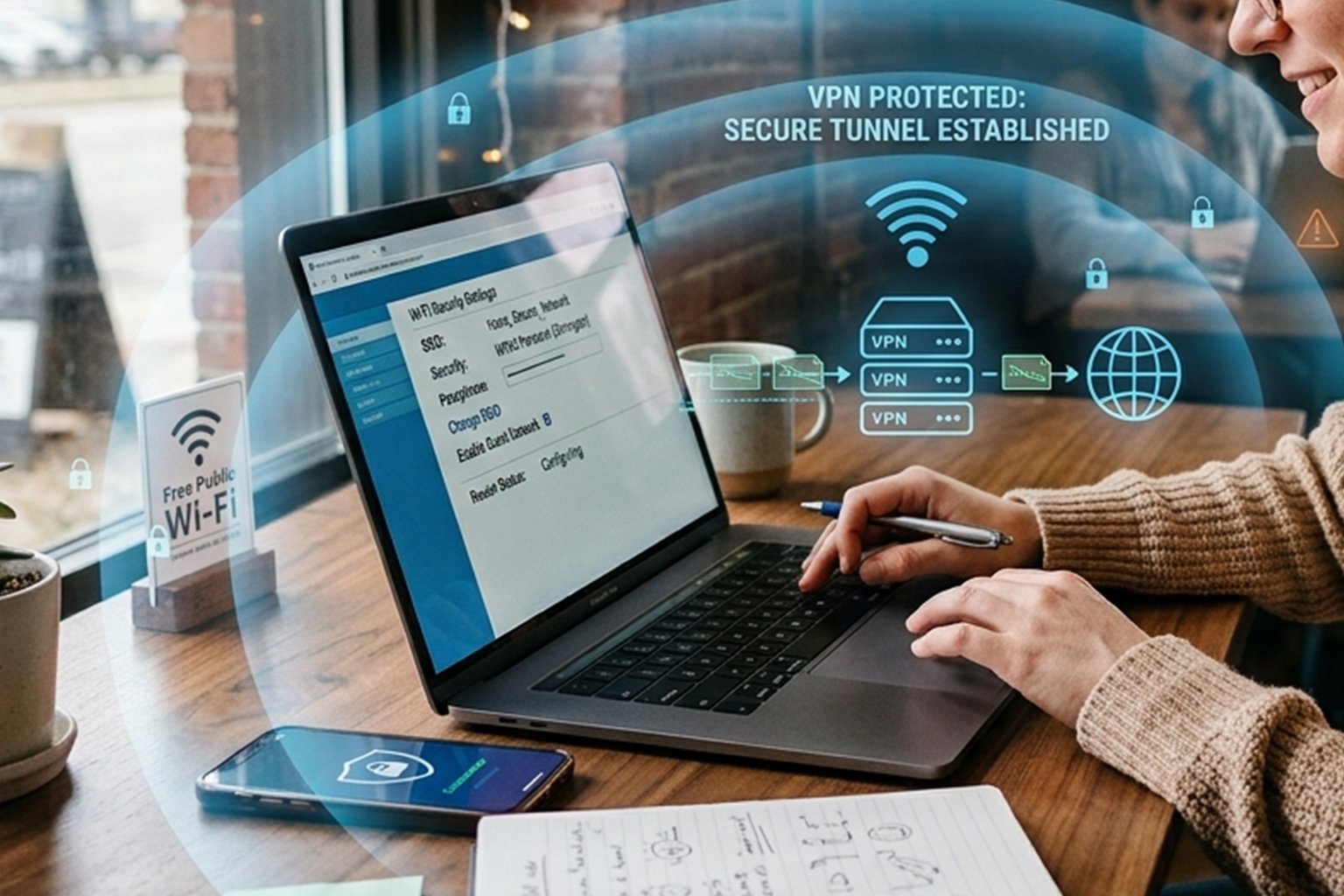
Public Wi-Fi networks in airports, hotels, cafes, and shopping malls are convenient but often lack strong security.
A Virtual Private Network (VPN) encrypts your internet traffic, making it much harder for attackers to intercept your data.
Benefits of a VPN
- Encrypts your internet connection
- Protects sensitive information
- Helps secure online banking
- Reduces tracking on public networks
- Improves privacy while browsing
While a VPN enhances security, it’s still best to avoid accessing highly sensitive accounts on public Wi-Fi whenever possible.
9. Back Up Your Data Regularly
Data loss can occur due to ransomware, hardware failure, accidental deletion, or natural disasters. Regular backups ensure that important files can be restored when needed.
Follow the 3-2-1 Backup Rule
- 3 copies of your data
- 2 different storage media
- 1 copy stored offsite (such as cloud storage)
What Should You Back Up?
- Family photos
- Important documents
- Financial records
- Business files
- Website data
- Password manager backups (if supported)
Automating backups reduces the risk of forgetting to back up your data.
10. Monitor Your Online Accounts
Early detection can prevent significant damage if one of your accounts is compromised.
Regularly Check
- Bank statements
- Credit card transactions
- Email login activity
- Social media login history
- Cloud storage access logs
Many services also allow you to receive notifications for new logins or unusual account activity. Enable these alerts whenever available.
Quick Cybersecurity Checklist
Use this checklist to review your digital security:
- ✔ Enable automatic software updates
- ✔ Use a password manager
- ✔ Turn on multi-factor authentication
- ✔ Secure your Wi-Fi router
- ✔ Use a VPN on public networks
- ✔ Back up important files
- ✔ Review app permissions
- ✔ Monitor account activity
- ✔ Install software only from trusted sources
- ✔ Stay informed about emerging cyber threats
11. Strengthen Your Social Media Privacy
Social media platforms have become a major target for cybercriminals. Oversharing personal information can make it easier for attackers to steal your identity, guess your passwords, or launch convincing phishing attacks.
Before posting online, think carefully about the information you’re sharing.
Best Practices for Social Media Security
- Set your accounts to Private whenever possible.
- Accept friend or follower requests only from people you know.
- Avoid sharing your phone number, home address, or financial information.
- Never post photos of important documents such as passports or ID cards.
- Disable location sharing unless you need it.
- Review your privacy settings every few months.
Beware of Fake Profiles
Cybercriminals often create fake accounts that impersonate friends, celebrities, or businesses. Before interacting with a profile, check for:
- Verified badges (where applicable)
- Account creation date
- Number of followers
- Recent activity
- Official website links
If you receive an unexpected message asking for money or personal information, verify it through another communication channel.
12. Protect Your Cloud Storage Accounts
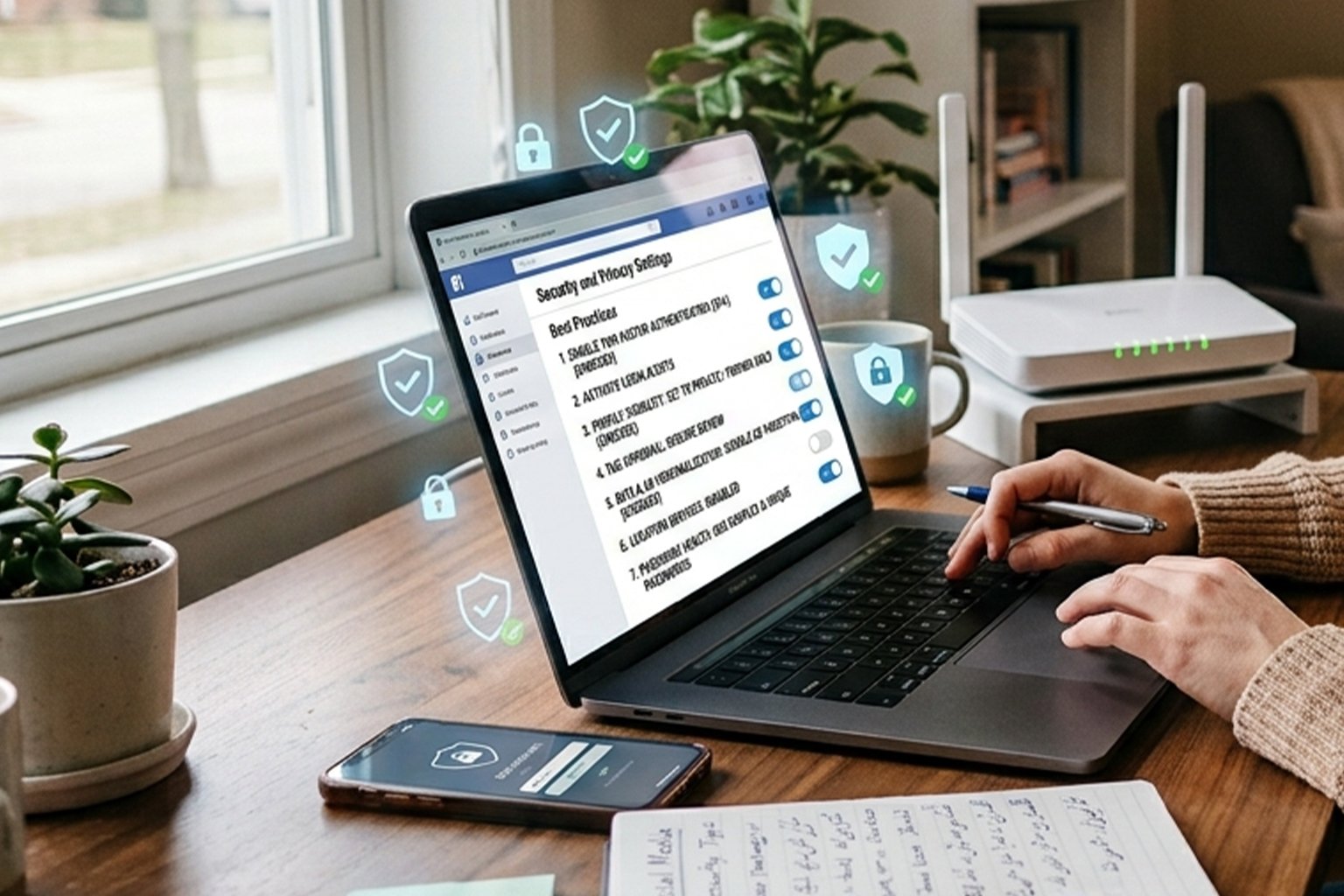
Cloud storage services such as Google Drive, Microsoft OneDrive, Dropbox, and iCloud make it easy to access files from anywhere. However, these accounts often contain sensitive personal and business data.
Cloud Security Tips
- Enable Multi-Factor Authentication (MFA).
- Use a strong, unique password.
- Share files only with trusted people.
- Review file-sharing permissions regularly.
- Delete files you no longer need.
- Encrypt highly sensitive documents before uploading them.
If you work with confidential business information, make sure your organization has clear policies for cloud storage and file sharing.
13. Shop Online Safely
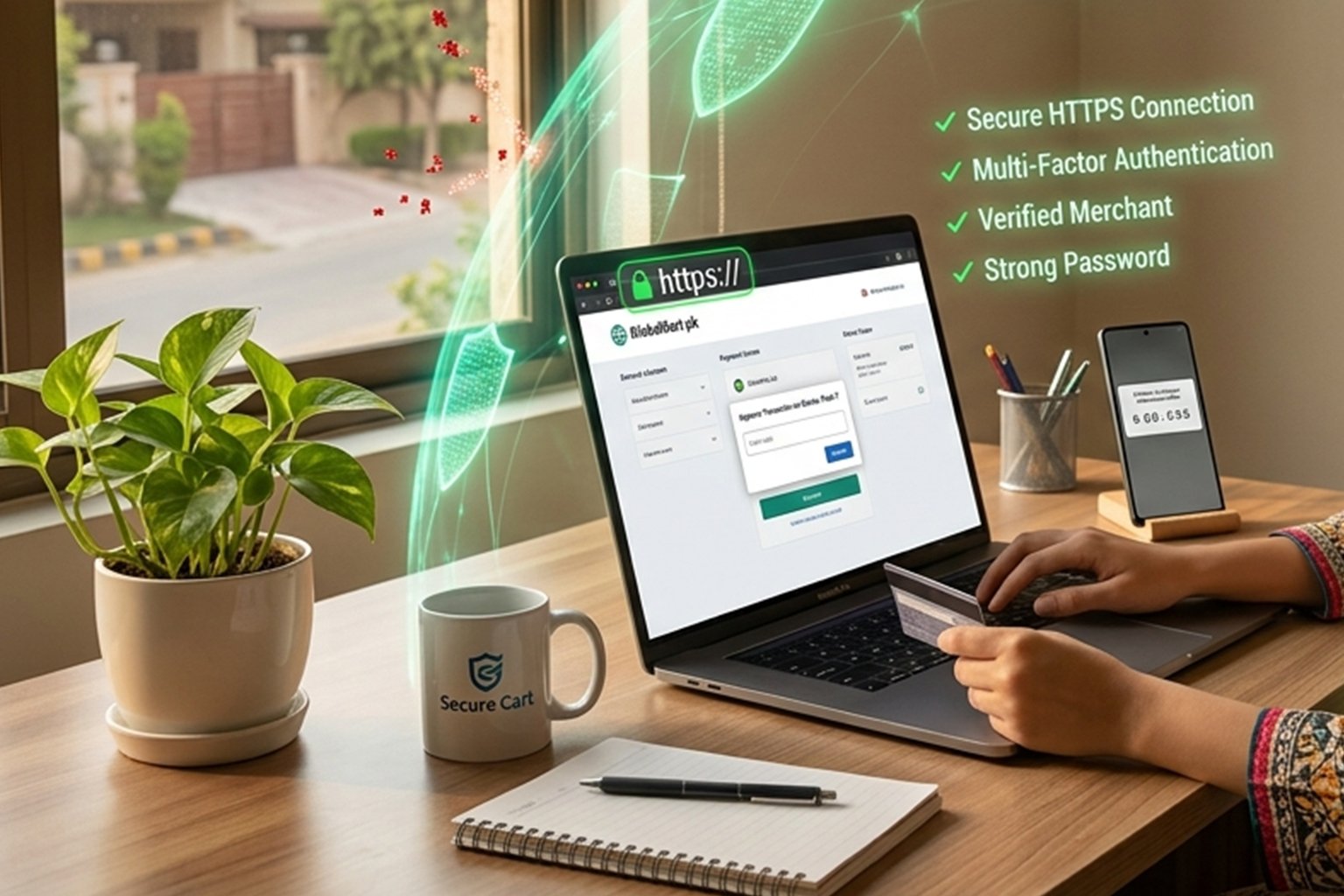
Online shopping is more convenient than ever, but fake websites and payment scams continue to increase.
How to Shop Securely Online
Before making a purchase:
- Verify the website’s domain name.
- Look for HTTPS in the address bar.
- Read customer reviews from trusted sources.
- Avoid deals that seem too good to be true.
- Use secure payment methods such as credit cards or trusted payment platforms.
Avoid Shopping on Public Wi-Fi
If possible, avoid making purchases while connected to public Wi-Fi. If you must, use a trusted VPN to encrypt your connection.
14. Secure Your Email Account
Your email account is often the gateway to your other online accounts. If attackers gain access to your email, they may be able to reset passwords for banking, shopping, and social media accounts.
Email Security Best Practices
- Enable Multi-Factor Authentication.
- Use a unique password.
- Don’t open attachments from unknown senders.
- Verify unexpected requests before responding.
- Report phishing emails instead of simply deleting them.
Regularly review your email’s security settings and recovery information to ensure they remain up to date.
15. Cybersecurity Tips for Remote Workers
Remote and hybrid work continue to grow, making home offices attractive targets for cybercriminals.
Whether you’re an employee or freelancer, securing your work environment is essential.
Remote Work Security Checklist
- Use only company-approved devices when possible.
- Keep your operating system updated.
- Connect through a secure VPN.
- Lock your computer when away from your desk.
- Store confidential files securely.
- Avoid using personal email for work documents.
If your employer provides cybersecurity training, participate regularly to stay informed about new threats.
16. Cybersecurity for Small Businesses
Small businesses are increasingly targeted because attackers often assume they have fewer security resources than large organizations.
A single cyberattack can lead to financial losses, operational downtime, and damage to customer trust.
Essential Security Measures
- Train employees to recognize phishing attacks.
- Back up business data regularly.
- Limit employee access based on job responsibilities.
- Install endpoint protection on all devices.
- Use firewalls and secure Wi-Fi networks.
- Develop an incident response plan.
Investing in cybersecurity is often far less expensive than recovering from a successful attack.
17. Be Careful with USB Devices
Unknown USB drives may contain malware that automatically infects your computer when connected.
Safety Tips
- Never plug in unknown USB devices.
- Disable AutoRun if available.
- Scan removable drives with antivirus software.
- Use encrypted USB drives for sensitive information.
Even promotional USB drives received at events should be treated with caution.
18. Learn Basic Cybersecurity Awareness
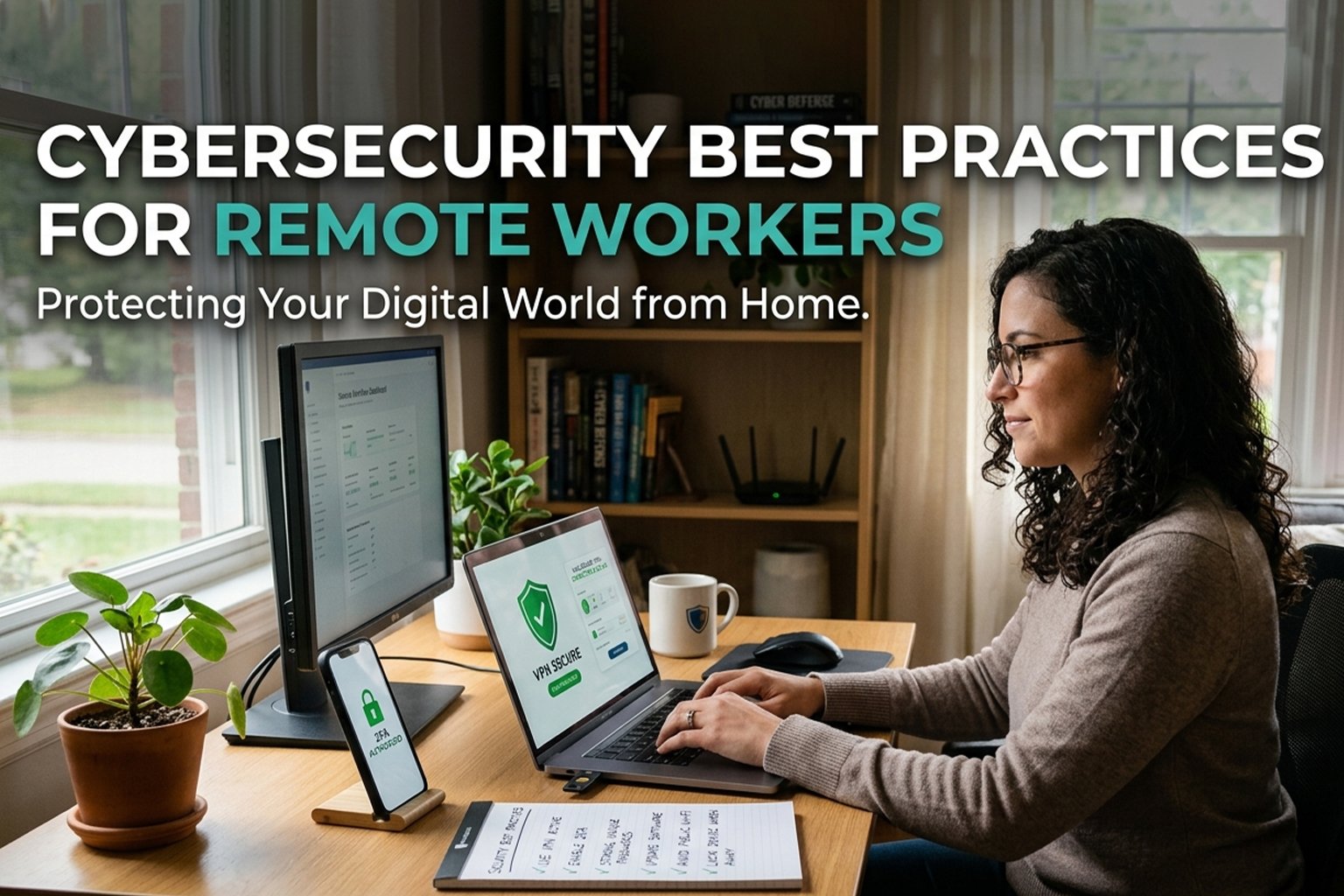
Technology alone cannot stop every cyberattack. Human awareness remains one of the strongest defenses.
Stay informed about:
- New phishing techniques
- Password security
- Social engineering tactics
- AI-generated scams
- Data privacy laws
- Safe browsing practices
The more you understand cyber threats, the better prepared you’ll be to avoid them.
Common Cybersecurity Mistakes to Avoid
Many successful cyberattacks happen because of simple mistakes. Avoid these common errors:
- Reusing the same password across multiple accounts
- Ignoring software updates
- Clicking links from unknown emails or messages
- Downloading cracked or pirated software
- Using weak passwords like “123456” or “password”
- Sharing verification codes with others
- Leaving devices unlocked in public places
- Connecting to unsecured Wi-Fi without protection
Correcting these habits can significantly improve your overall cybersecurity.
Featured Snippet: Top 10 Cybersecurity Tips
If you’re looking for the most important cybersecurity practices in 2026, remember these key points:
- Use strong, unique passwords.
- Enable Multi-Factor Authentication (MFA).
- Keep software and devices updated.
- Recognize phishing scams.
- Secure your home Wi-Fi network.
- Use a VPN on public Wi-Fi.
- Back up important data regularly.
- Protect your social media accounts.
- Monitor your financial accounts.
- Stay informed about emerging cyber threats.
19. Emerging Cybersecurity Trends in 2026
Cybersecurity is constantly evolving as technology advances. Artificial intelligence, cloud computing, and the Internet of Things (IoT) are creating new opportunities—but they also introduce new security challenges. Understanding these trends helps you stay ahead of potential threats.
AI-Powered Cybersecurity
Artificial intelligence is now widely used in cybersecurity. Security systems can analyze millions of events every second, identify unusual behavior, and respond to threats much faster than traditional methods.
Benefits of AI in Cybersecurity
- Detects suspicious activity in real time
- Identifies malware faster
- Reduces false security alerts
- Automates threat detection and response
- Improves fraud prevention
However, cybercriminals are also using AI to create more convincing phishing emails, deepfake voice calls, and automated attacks. This means users must remain cautious even when communications appear legitimate.
20. Zero Trust Security
One of the biggest cybersecurity trends is the Zero Trust security model.
The principle is simple:
“Never trust, always verify.”
Instead of assuming users or devices are safe because they are inside a network, every access request is verified.
Zero Trust Includes
- Multi-Factor Authentication (MFA)
- Device verification
- Continuous monitoring
- Least-privilege access
- Network segmentation
Many businesses are adopting Zero Trust to reduce the risk of insider threats and unauthorized access.
21. Internet of Things (IoT) Security
Smart devices are becoming common in homes and workplaces. These include:
- Smart TVs
- Security cameras
- Smart locks
- Smart speakers
- Fitness trackers
- Smart lighting
- Connected appliances
Unfortunately, many IoT devices have weak default security settings.
How to Secure IoT Devices
- Change default usernames and passwords immediately.
- Keep device firmware updated.
- Disable features you don’t use.
- Place IoT devices on a separate Wi-Fi network if possible.
- Purchase products from reputable manufacturers that provide ongoing security updates.
22. Protect Your Personal Information
Your personal information has value to cybercriminals. Data such as your email address, phone number, date of birth, and financial details can be used for identity theft or fraud.
Information You Should Never Share Publicly
- Banking details
- Credit card numbers
- One-Time Passwords (OTPs)
- Passwords
- Passport information
- National ID numbers
- Tax records
- Medical records
If a legitimate organization requests sensitive information, verify the request through official channels before responding.
23. Build Good Cybersecurity Habits
Strong cybersecurity isn’t just about tools—it’s about daily habits. Small, consistent actions can significantly reduce your risk.
Daily Cybersecurity Habits
- Lock your computer when stepping away.
- Sign out of accounts on shared devices.
- Avoid using the same password across multiple websites.
- Review your account activity regularly.
- Delete unused apps and accounts.
- Keep antivirus software updated.
- Be skeptical of unexpected messages or offers.
Developing these habits makes it much harder for attackers to succeed.
Cybersecurity Checklist for 2026
Use this checklist to improve your online safety:
| Security Task | Status |
|---|---|
| Use unique passwords | ✅ |
| Enable Multi-Factor Authentication | ✅ |
| Keep software updated | ✅ |
| Install antivirus software | ✅ |
| Secure your Wi-Fi router | ✅ |
| Back up important files | ✅ |
| Use a VPN on public Wi-Fi | ✅ |
| Protect social media accounts | ✅ |
| Monitor financial activity | ✅ |
| Stay informed about new threats | ✅ |
Myth vs. Fact
Myth: “I’m not important enough to be hacked.”
Fact: Cybercriminals often target ordinary users because attacks can be automated and carried out at scale.
Myth: “My antivirus protects me from everything.”
Fact: Antivirus software is an important layer of defense, but safe online behavior, software updates, and MFA are equally essential.
Myth: “Public Wi-Fi is safe if it requires a password.”
Fact: Password-protected public Wi-Fi can still be insecure. Use a trusted VPN and avoid accessing sensitive accounts whenever possible.
Myth: “Only large companies are targeted.”
Fact: Small businesses are frequent targets because they may have fewer security resources.
Expert Cybersecurity Recommendations
To strengthen your security posture:
- Use a password manager to create and store strong passwords.
- Turn on MFA for every account that supports it.
- Review account recovery options regularly.
- Keep your devices and apps updated.
- Back up important data using the 3-2-1 rule.
- Learn to identify phishing attempts.
- Stay informed about emerging cyber threats through trusted sources.
These steps require minimal effort but provide significant protection.
Frequently Asked Questions (FAQ)
What is cybersecurity?
Cybersecurity is the practice of protecting computers, networks, devices, and data from unauthorized access, cyberattacks, and digital threats.
Why is Multi-Factor Authentication important?
MFA adds an extra layer of protection by requiring a second verification method in addition to your password, making unauthorized access much more difficult.
How often should I change my passwords?
There is no need to change passwords on a fixed schedule if they are strong and unique. However, change them immediately if you suspect a breach or receive a security alert.
Is free antivirus software enough?
Free antivirus solutions provide basic protection, but paid versions often include additional features such as ransomware protection, phishing detection, firewall management, and identity monitoring. Choose a solution that fits your needs.
What should I do if I receive a suspicious email?
Do not click links or download attachments. Verify the sender through official channels, report the email as phishing if appropriate, and delete it.
Can smartphones get malware?
Yes. Smartphones can be infected through malicious apps, unsafe downloads, or phishing links. Install apps only from trusted app stores and keep your device updated.
How can I tell if a website is secure?
Look for HTTPS in the address bar, check the domain name carefully, and ensure the website belongs to the organization you expect. While HTTPS is a good sign, it does not guarantee the site is trustworthy, so remain cautious.
External Authority Links
Link to reputable cybersecurity resources such as:
- Cybersecurity & Infrastructure Security Agency (CISA): https://www.cisa.gov
- National Institute of Standards and Technology (NIST): https://www.nist.gov
- Open Worldwide Application Security Project (OWASP): https://owasp.org
- National Cybersecurity Alliance: https://staysafeonline.org
Conclusion
Cybersecurity is no longer optional—it’s an essential part of everyday life. As cyber threats become more advanced in 2026, protecting your digital identity requires a combination of good habits, reliable security tools, and ongoing awareness.
By following the cybersecurity tips covered in this guide, you can significantly reduce the risk of becoming a victim of phishing attacks, ransomware, identity theft, and data breaches.
Remember these key practices:
- Use strong, unique passwords for every account.
- Enable Multi-Factor Authentication (MFA) whenever possible.
- Keep your operating system, applications, and devices updated.
- Be cautious of suspicious emails, links, and attachments.
- Secure your home Wi-Fi network with modern encryption.
- Back up important files regularly using the 3-2-1 rule.
- Monitor your financial and online accounts for unusual activity.
- Stay informed about the latest cybersecurity threats and best practices.
Cybersecurity is an ongoing process rather than a one-time task. A few minutes spent improving your digital security today can save you from significant financial loss, identity theft, or business disruption in the future.
Whether you’re a student, professional, freelancer, business owner, or casual internet user, adopting these habits will help you browse, work, and communicate online with greater confidence and peace of mind.
Key Takeaways
- Cyber threats continue to evolve, making cybersecurity more important than ever.
- Strong passwords and Multi-Factor Authentication are your first line of defense.
- Regular software updates help close known security vulnerabilities.
- Recognizing phishing scams can prevent account compromise.
- Securing your home Wi-Fi and using a VPN on public networks improve privacy.
- Regular backups protect your data from ransomware and accidental loss.
- Good cybersecurity habits are just as important as security software.
Call to Action (CTA)
Protecting your digital life starts with small, consistent actions.
Review your passwords, enable Multi-Factor Authentication, update your devices, and share these cybersecurity tips with your family, friends, or colleagues. The more people who practice safe online habits, the more secure the internet becomes for everyone.
If you found this guide helpful, explore our other technology and cybersecurity articles to stay informed about the latest digital security trends and best practices.
Tags
- Cybersecurity
- Cybersecurity Tips
- Online Security
- Internet Safety
- Password Security
- Multi-Factor Authentication
- MFA
- VPN
- Data Privacy
- Phishing
- Malware
- Ransomware
- Identity Theft
- AI Security
- Cloud Security
- Wi-Fi Security
- Mobile Security
- Remote Work Security
- Digital Safety
- Cyber Threats